





Spencer
Spencer
Save your perfect workspace.
Bring it back anytime.
Spencer
Save your perfect workspace.
Bring it back anytime.
One click to save and restore your perfect setup.
A unique window manager that saves the layout of all open windows and brings it back whenever you want.





What can I do for you, sir?

Multiple spaces
Save & restore layouts across every Space. Spencer integrates natively with macOS Spaces for perfect stability.
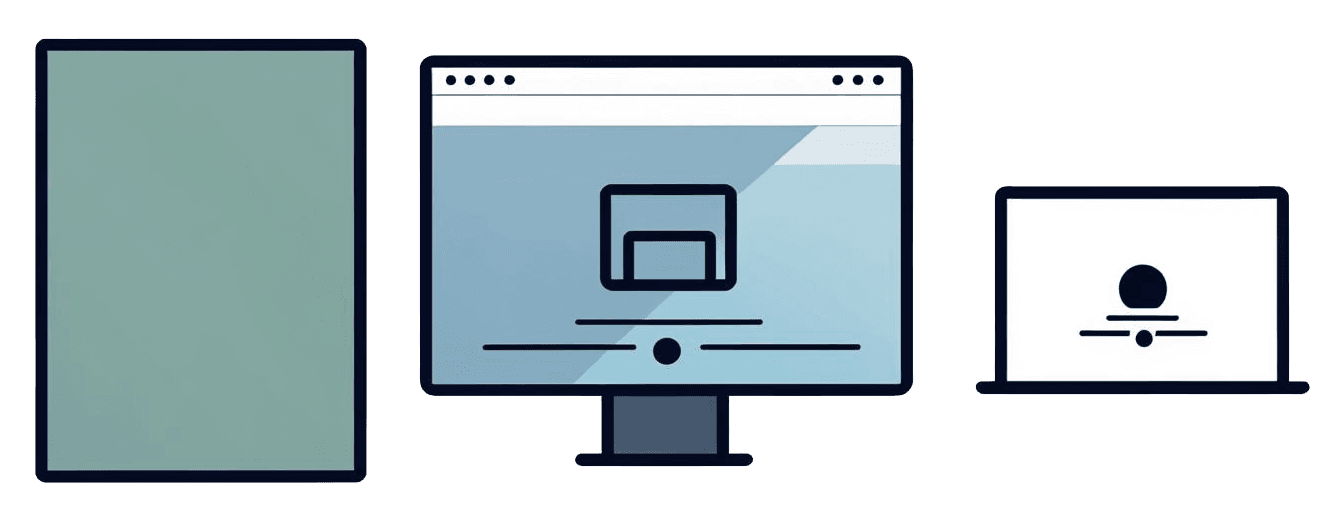
Various displays
Works well with various configurations of multiple displays

Adjust spaces amount
Each profile can have its own number of spaces
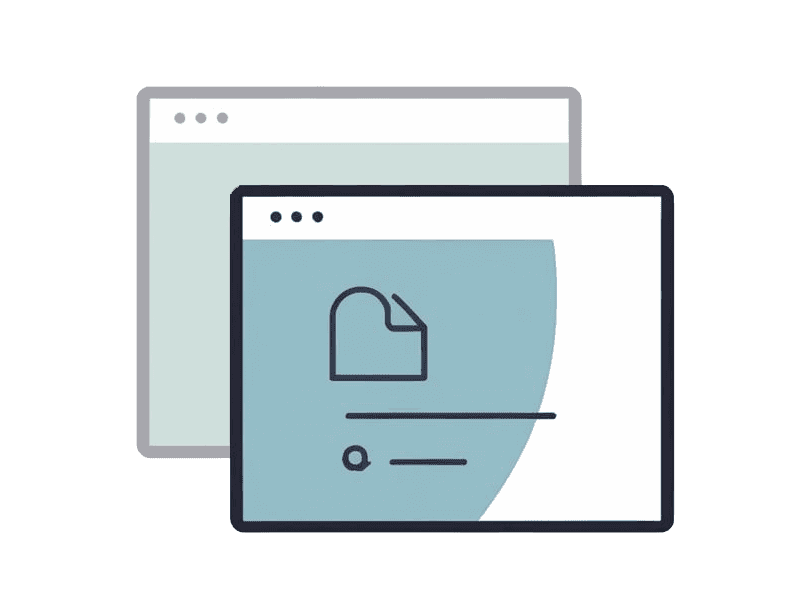
Launch and hide apps
Saved apps are launched if needed, unsaved but open ones are simply hidden to prevent the loss of your work

Resize
The size of the windows is adjusted to match the stored layout

Arrange windows freely
Any size, any position, even overlapping. Spencer is not a window snapping tool but a way to restore your perfect layout
See me in action.
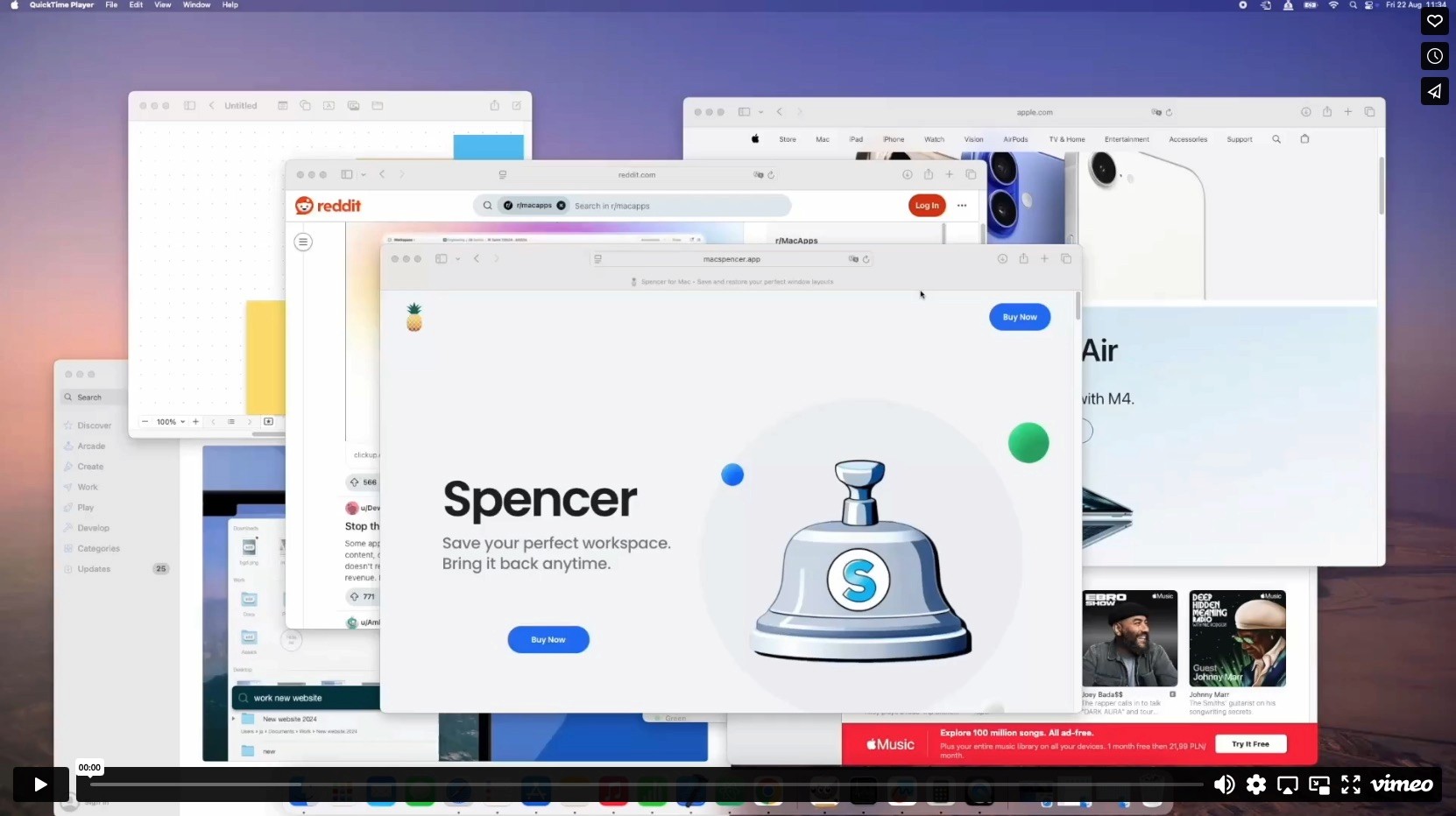
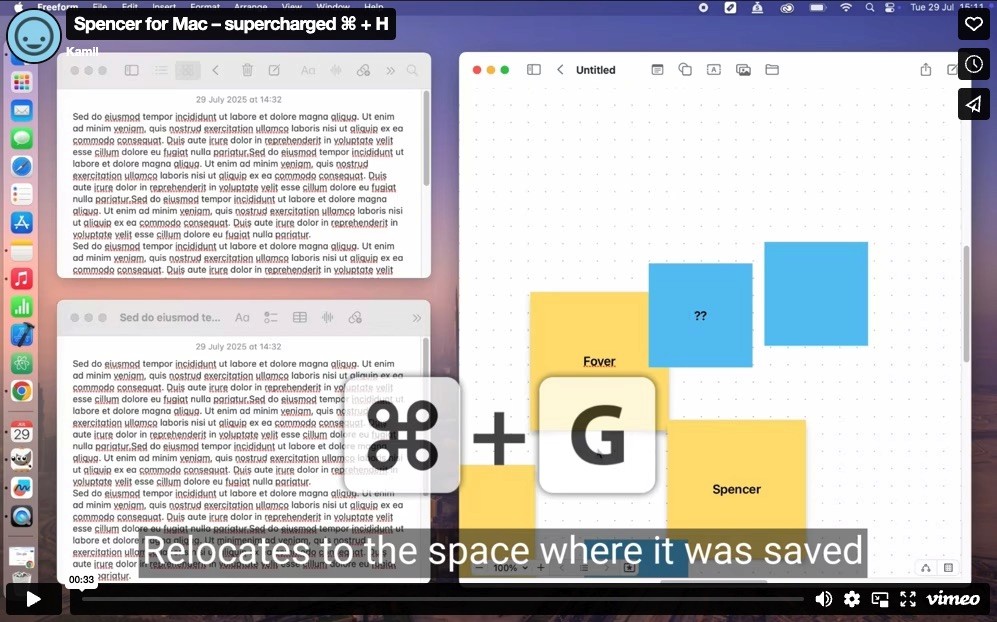
Meet supercharged ⌘ + H.
Restore position. Switch Space. Hide. Minimize - all in one shortcut.
Create profiles to focus on what matters.
Create profiles to focus on
what matters.
Easily switch between tasks without distractions. Adjust visible apps and spaces to match your workflow. Save and restore window positions and sizes based on your display setup.
Easily switch between tasks without distractions.
Adjust visible apps and spaces to match your workflow. Save and restore window positions and sizes based on your display setup.
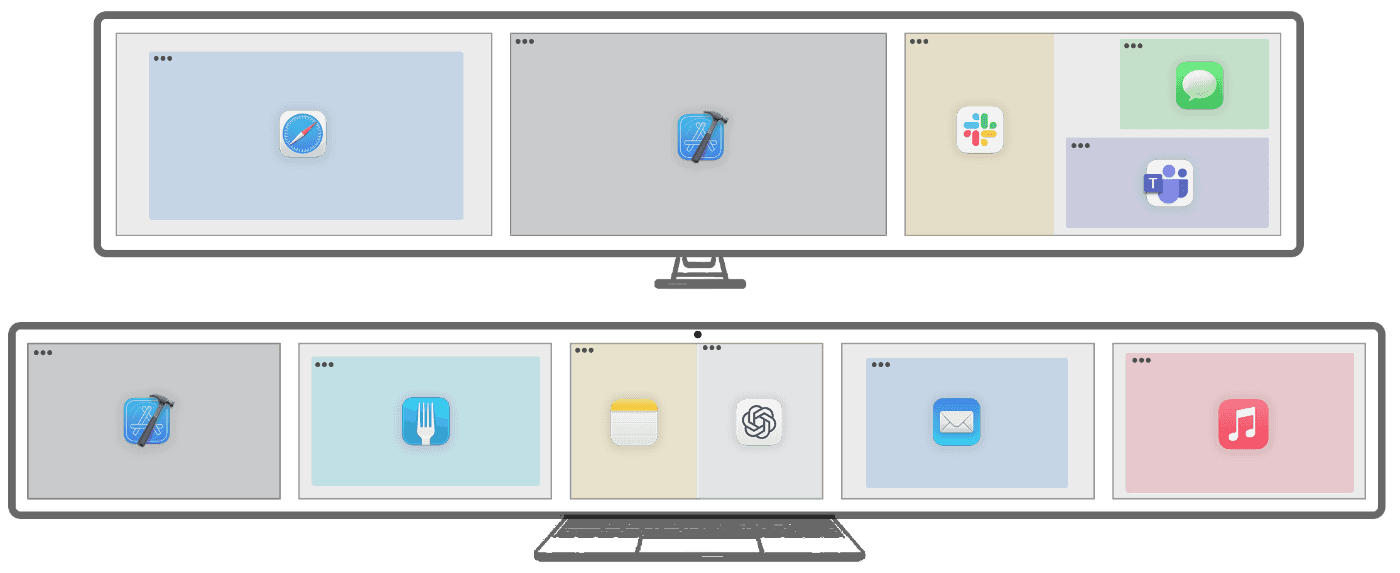
Work
Stay organized. Instantly switch between your apps.

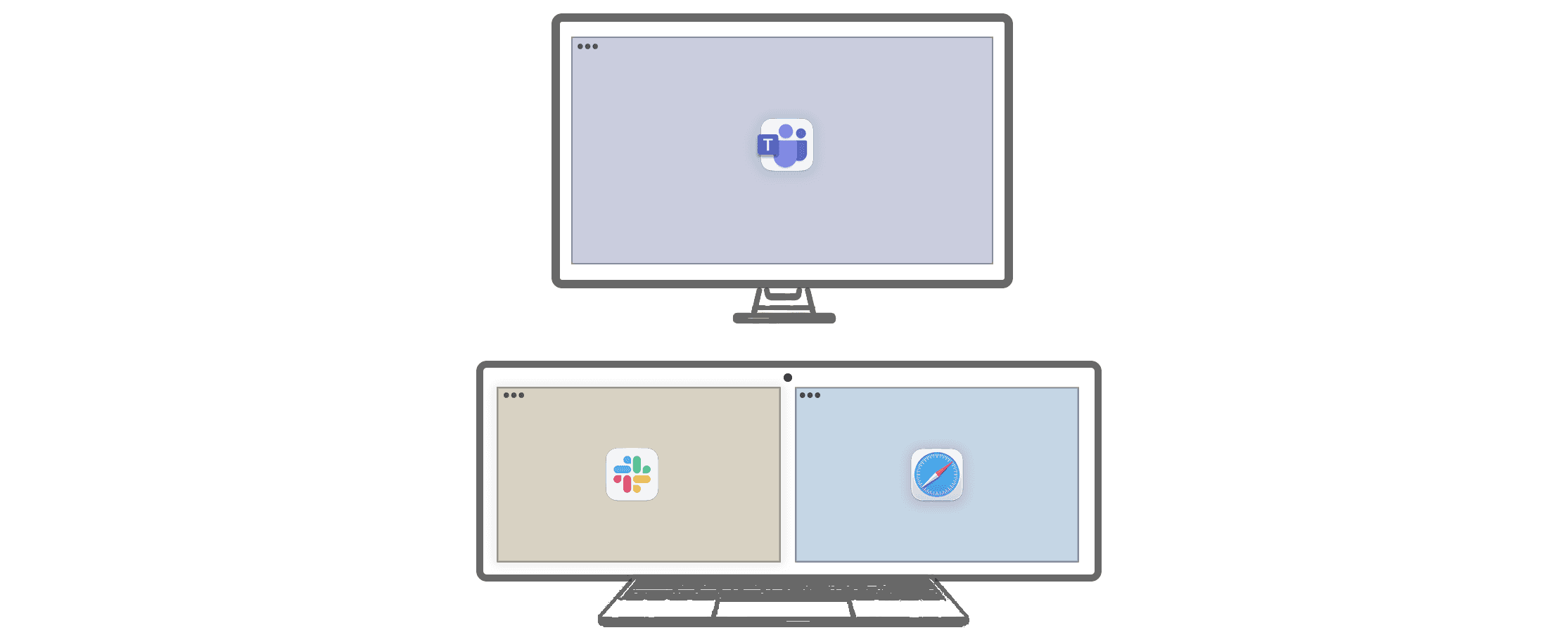
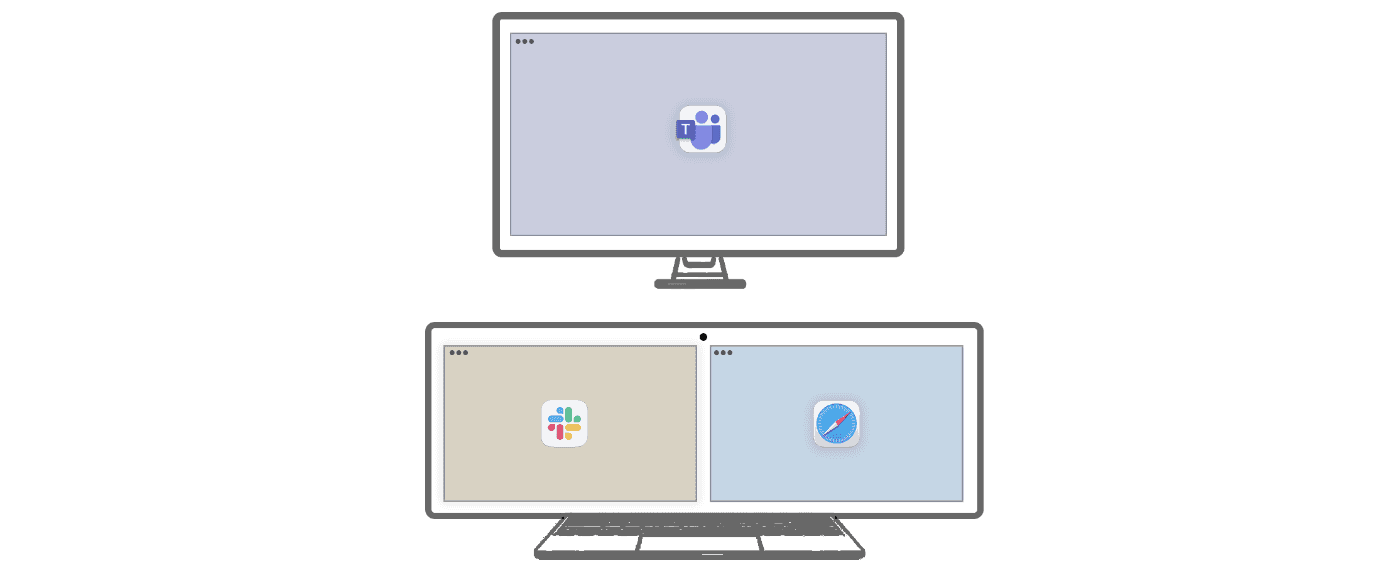
Meetings
Don’t share anything by mistake.
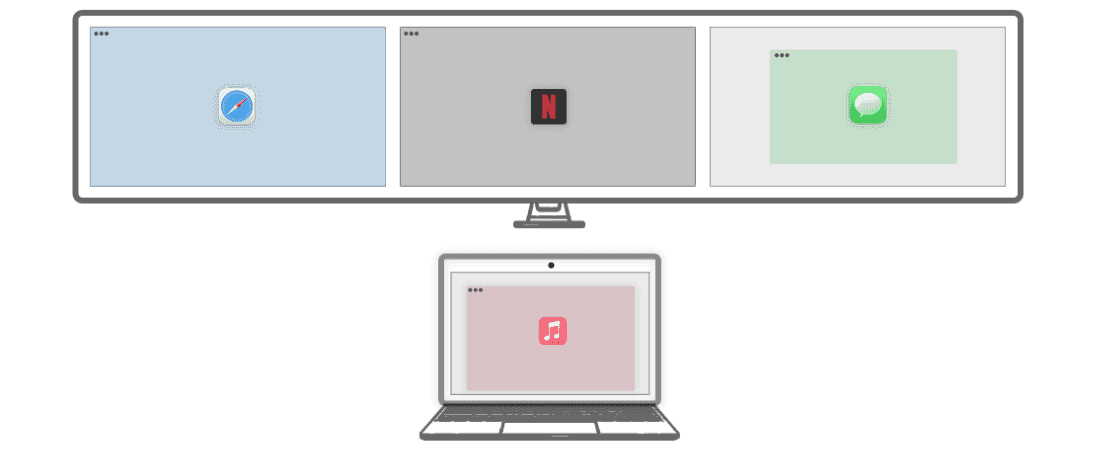
Relax
Take a break, recharge, and forget about work.

Work
Work
Stay organized. Instantly switch between your apps.
Stay organized. Instantly switch between your apps.

Meetings
Meetings
Don’t share anything by mistake.
Don’t share anything by mistake.

Relax
Relax
Take a break, recharge, and forget about work.
Take a break, recharge, and forget about work.

Switching between profiles doesn’t close your apps, they are simply hidden in the dock. This ensures you never lose your work progress.
Be organized. Stay focused.
Look only at the essential things.
Be organized.
Stay focused.
Look only at the essential things.
People are talking...
Real stories from real Mac users

“This is hands down the best app of its kind I’ve ever used. I work with 17 desktops every day, each filled with different programs that make up my entire workflow. Thanks to this app, I save a huge amount of time daily.”
macgyverkam
“This is hands down the best app of its kind I’ve ever used. I work with 17 desktops every day, each filled with different programs that make up my entire workflow. Thanks to this app, I save a huge amount of time daily.”
macgyverkam

“I especially love how it works with Spaces. I’ve tried other apps, but none of them let me add or remove the specific space I need — this one does, and it does it smoothly.“
terza36
“I especially love how it works with Spaces. I’ve tried other apps, but none of them let me add or remove the specific space I need — this one does, and it does it smoothly.“
terza36

“I love the app. I change between single Mac, work dual screens and home ultrawide. It has made using a Mac soooo much easier.“
MDSCFL3
“I love the app. I change between single Mac, work dual screens and home ultrawide. It has made using a Mac soooo much easier.“
MDSCFL3

„I’ve been testing Spencer and fell in love with the app since minute one. … Spencer is now one of my must-haves, one of those apps I will install first in any new device.”
meremention
„I’ve been testing Spencer and fell in love with the app since minute one. … Spencer is now one of my must-haves, one of those apps I will install first in any new device.”
meremention

“I use Spencer every day. This is very useful and it’s great to have various apps on screen(s) according to profiles. It’s great!“
salBCN
“I use Spencer every day. This is very useful and it’s great to have various apps on screen(s) according to profiles. It’s great!“
salBCN

“Spencer addresses a common productivity pain point: the time wasted rearranging windows... The app's strength lies in its simplicity and reliability... For anyone serious about optimizing their digital workspace, worth trying.”
Scout Froge
“Spencer addresses a common productivity pain point: the time wasted rearranging windows... The app's strength lies in its simplicity and reliability...”
Scout Froge
“Spencer addresses a common productivity pain point: the time wasted rearranging windows... The app's strength lies in its simplicity and reliability... For anyone serious about optimizing their digital workspace, worth trying.”
Scout Froge
Get Spencer
Get Spencer
Get Spencer
One-time purchase, no subscription.
Pick how many Macs you need.
One-time purchase, no subscription.
Pick how many Macs you need.
One-time purchase, no subscription.
Pick how many Macs you need.

Apple-notarized
Apple-notarized

macOS 13 Ventura or later
macOS 13 Ventura or later

Moves to your next Mac
Moves to your next Mac
Try it free for 7 days · 14-day money-back guarantee
Try it free for 7 days
14-day money-back guarantee
Frequently Asked Questions
How is Spencer different from other window managers?
Magnet, Rectangle: they snap windows into place. Spencer doesn't snap. It saves your windows exactly as they are and puts them back after a reboot, a display change, or undocking. Lattix, Layoutish, ShiftPlus: they work with Spaces, but they can't move an open window between Spaces on the same display. They switch to a Space and launch the app there. If the app is already running, they have to quit and relaunch it. Spencer moves the windows you already have open. AeroSpace, FlashSpace: they replace native macOS Spaces with their own workspaces. Spencer works with native Spaces, the ones you already use.
Move your license to a new Mac
Once you’ve reached the activation limit, you can transfer your license to a new device by signing in to [https://app.lemonsqueezy.com/my-orders/login] using the email address provided when purchasing Spencer. Then open your order and manage the activated devices. For assistance, please email contact@macspencer.app.
Current limitations
• Stage Manager is not currently supported. • Fullscreen support: Spencer can save fullscreen windows, but restores them in a simulated fullscreen mode. The menu bar and Dock remain visible, and each window appears in a separate Space. Support for both is expected in future updates.
Restoring full sessions (e.g. browser tabs, windows, files)
Spencer can launch apps and reposition multiple windows, but it cannot open new windows, browser tabs, individual files, or projects after they’ve been closed. Tip: Instead of closing windows, keep all your app windows open across different layouts. Spencer will automatically minimize the ones that don't belong to the current layout, and restore them when you switch back. Layout A → Window 1 visible, Window 2 minimized Layout B → Window 1 minimized, Window 2 visible
Compatibility with Window Managers
✅ Fully compatible with: Moom, Rectangle, Magnet 🚫 Not yet compatible with: Yabai (coming soon), Aerospace 🗳️ Please complete a one-question survey to let me know which window manager is most important to you.
Previous versions
https://get.macspencer.app/Spencer_1.7.0.dmg https://get.macspencer.app/Spencer_1.6.2.dmg https://get.macspencer.app/Spencer_1.5.6.dmg https://get.macspencer.app/Spencer_1.4.4.dmg
How can I get a refund?
You have 14 days from the date of purchase to request a refund — no reason needed. To do so, just send an email to contact[at]macspencer.app with the subject line “Refund request”, including your order number (found in the license key email). Refunds are issued within 14 days of purchase.
How is Spencer different from other window managers?
Magnet, Rectangle: they snap windows into place. Spencer doesn't snap. It saves your windows exactly as they are and puts them back after a reboot, a display change, or undocking. Lattix, Layoutish, ShiftPlus: they work with Spaces, but they can't move an open window between Spaces on the same display. They switch to a Space and launch the app there. If the app is already running, they have to quit and relaunch it. Spencer moves the windows you already have open. AeroSpace, FlashSpace: they replace native macOS Spaces with their own workspaces. Spencer works with native Spaces, the ones you already use.
Move your license to a new Mac
Once you’ve reached the activation limit, you can transfer your license to a new device by signing in to [https://app.lemonsqueezy.com/my-orders/login] using the email address provided when purchasing Spencer. Then open your order and manage the activated devices. For assistance, please email contact@macspencer.app.
Current limitations
• Stage Manager is not currently supported. • Fullscreen support: Spencer can save fullscreen windows, but restores them in a simulated fullscreen mode. The menu bar and Dock remain visible, and each window appears in a separate Space. Support for both is expected in future updates.
Restoring full sessions (e.g. browser tabs, windows, files)
Spencer can launch apps and reposition multiple windows, but it cannot open new windows, browser tabs, individual files, or projects after they’ve been closed. Tip: Instead of closing windows, keep all your app windows open across different layouts. Spencer will automatically minimize the ones that don't belong to the current layout, and restore them when you switch back. Layout A → Window 1 visible, Window 2 minimized Layout B → Window 1 minimized, Window 2 visible
Compatibility with Window Managers
✅ Fully compatible with: Moom, Rectangle, Magnet 🚫 Not yet compatible with: Yabai (coming soon), Aerospace 🗳️ Please complete a one-question survey to let me know which window manager is most important to you.
Previous versions
https://get.macspencer.app/Spencer_1.7.0.dmg https://get.macspencer.app/Spencer_1.6.2.dmg https://get.macspencer.app/Spencer_1.5.6.dmg https://get.macspencer.app/Spencer_1.4.4.dmg
How can I get a refund?
You have 14 days from the date of purchase to request a refund — no reason needed. To do so, just send an email to contact[at]macspencer.app with the subject line “Refund request”, including your order number (found in the license key email). Refunds are issued within 14 days of purchase.
Spencer vs. other window managers
Magnet, Rectangle: they snap windows into place. Spencer doesn't snap. It saves your windows exactly as they are and puts them back after a reboot, a display change, or undocking. Lattix, Layoutish, ShiftPlus: they work with Spaces, but they can't move an open window between Spaces on the same display. They switch to a Space and launch the app there. If the app is already running, they have to quit and relaunch it. Spencer moves the windows you already have open. AeroSpace, FlashSpace: they replace native macOS Spaces with their own workspaces. Spencer works with native Spaces, the ones you already use.
Move your license to a new Mac
Once you’ve reached the activation limit, you can transfer your license to a new device by signing in to [https://app.lemonsqueezy.com/my-orders/login] using the email address provided when purchasing Spencer. Then open your order and manage the activated devices. For assistance, please email contact@macspencer.app.
Current limitations
• Stage Manager is not currently supported. • Fullscreen support: Spencer can save fullscreen windows, but restores them in a simulated fullscreen mode. The menu bar and Dock remain visible, and each window appears in a separate Space. Support for both is expected in future updates.
Restoring full sessions (e.g. browser)
Spencer can launch apps and reposition multiple windows, but it cannot open new windows, browser tabs, individual files, or projects after they’ve been closed. Tip: Instead of closing windows, keep all your app windows open across different layouts. Spencer will automatically minimize the ones that don't belong to the current layout, and restore them when you switch back. Layout A → Window 1 visible, Window 2 minimized Layout B → Window 1 minimized, Window 2 visible
Compatibility with Window Managers
✅ Fully compatible with: Moom, Rectangle, Magnet 🚫 Not yet compatible with: Yabai (coming soon), Aerospace 🗳️ Please complete a one-question survey to let me know which window manager is most important to you.
Previous versions
https://get.macspencer.app/Spencer_1.7.0.dmg https://get.macspencer.app/Spencer_1.6.2.dmg https://get.macspencer.app/Spencer_1.5.6.dmg https://get.macspencer.app/Spencer_1.4.4.dmg
How can I get a refund?
You have 14 days from the date of purchase to request a refund — no reason needed. To do so, just send an email to contact[at]macspencer.app with the subject line “Refund request”, including your order number (found in the license key email). Refunds are issued within 14 days of purchase.
Follow the progress
Follow the progress
Subscribe to the newsletter for important updates and exclusive offers!
Subscribe to the newsletter for important updates and exclusive offers!
No spam ever. Easy unsubscribe in every email.
No spam ever. Easy unsubscribe in every email.
Follow the progress
Subscribe to the newsletter for important updates and exclusive offers!
No spam ever. Easy unsubscribe in every email.


Privacy Policy
Copyright ©2026 Pineapple Kamil Daniel